
- Log in to Videobolt.
- Click the gift icon in the top right corner of the page, next to your profile picture.
- Click Copy referral link.
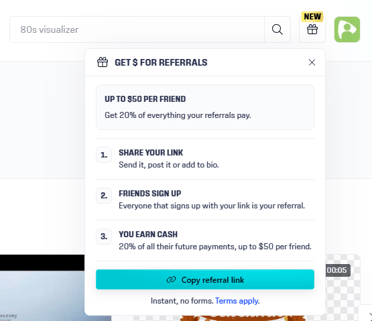
Your link is copied and ready to share. It looks like this: https://videobolt.net/?vbref=xxxxxxxx.
Your link is permanent – it can't be changed or customized, so you can safely put it in your bio, video descriptions or website.
Questions about the Referral Program? Write to us at support@videobolt.net.